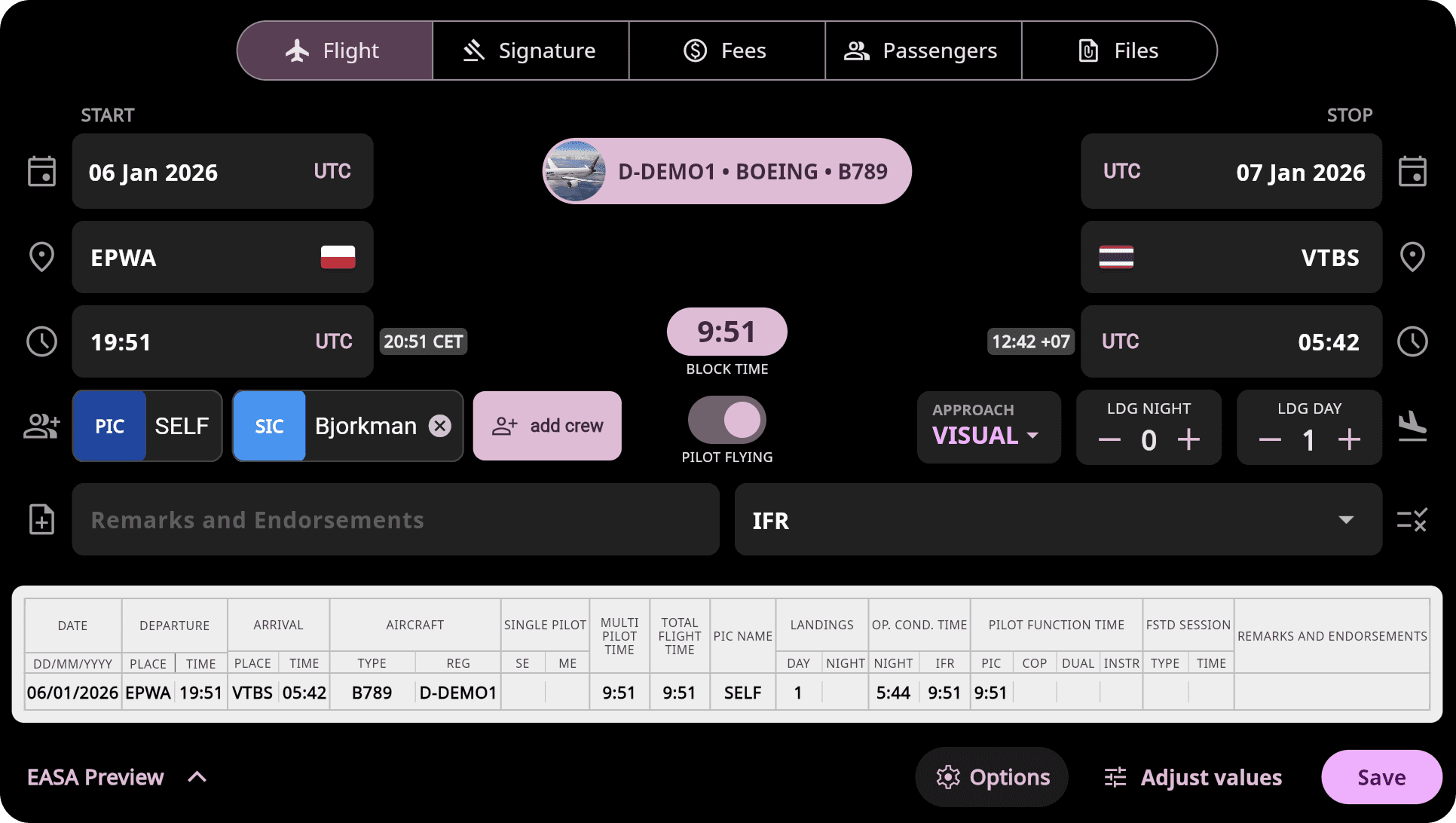
Logging your flights manually is fast and intuitive thanks to a flexible, easy-to-use flight entry form that can be customized to match your operational needs and training workflow. To speed up data entry, the app automatically remembers and pre-fills your most recently used aircraft, departure, and arrival airports.
💡 Tip: Always consult your national aviation authority or flight school for local requirements and interpretations, especially when converting, validating, or reviewing licence records.
Other Flight Logging Options
Import Flights from ADS-B Network — Import flights directly from supported ADS-B network.
Import from Airline & Crew Scheduling Systems — Upload roster or scheduling files from your airline or operator system.
Record Flights in the App — Log flights on the go directly from your mobile device.
Logging
Tap the + button on the main screen to open the flight form.
Enter the date, location, and block time.
Select the aircraft or simulator from your database.
Night time is calculated automatically based on your block entries.
Customization
Under the ⚙️ Options tab, enable additional fields relevant to your flight operations, such as:
Flight Time
Takeoffs
Duty Time - log report and release times alongside flights, or track standalone duty periods such as standby, positioning, simulator sessions, training days, or augmented crew operations
Flight number
Additional Airports & Training Approaches - record multiple airports, circuit landings, touch-and-go operations, and training approaches within a single flight entry
Labels - to classify flights by aircraft, weather, training purpose, or any other criteria
Personal remark
Custom fields - allow you to track parameters such as fuel consumption, number of passengers, or any other operational details important to you
Additional Fields
Digital signature – Have your instructor or captain sign flight record directly on your phone or tablet.
Setup fee – Record expenses such as airport fees, fuel, hotel, or taxi.
Passengers – Add passengers from your contact list.
Files – Attach documents such as GPX/KML tracks, invoices, or other files.
💡 Tip: You can adjust any entered values later using the Adjust values function.
Multi-Pilot Flights
When a multi-pilot aircraft is selected, the PF/PM toggle appears automatically:
Set your role as Pilot Flying (PF) or Pilot Monitoring (PM)
The app automatically assigns the correct number of takeoffs and landings and updates your totals with PF/PM labels
Simulator Flights
To log a simulator session, record it as a standard flight and select the SIM profile instead of a real aircraft.
Mobile app interface
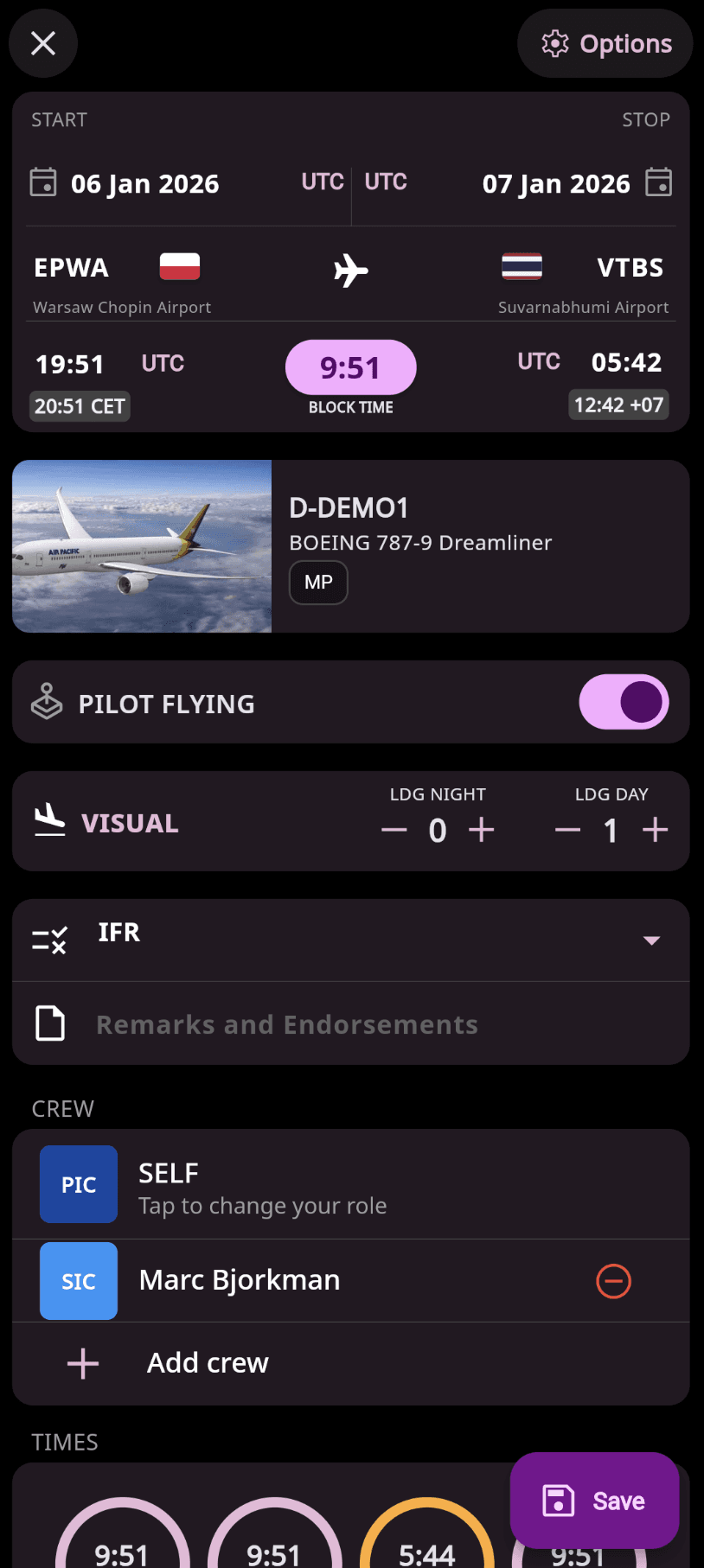
Web app interface