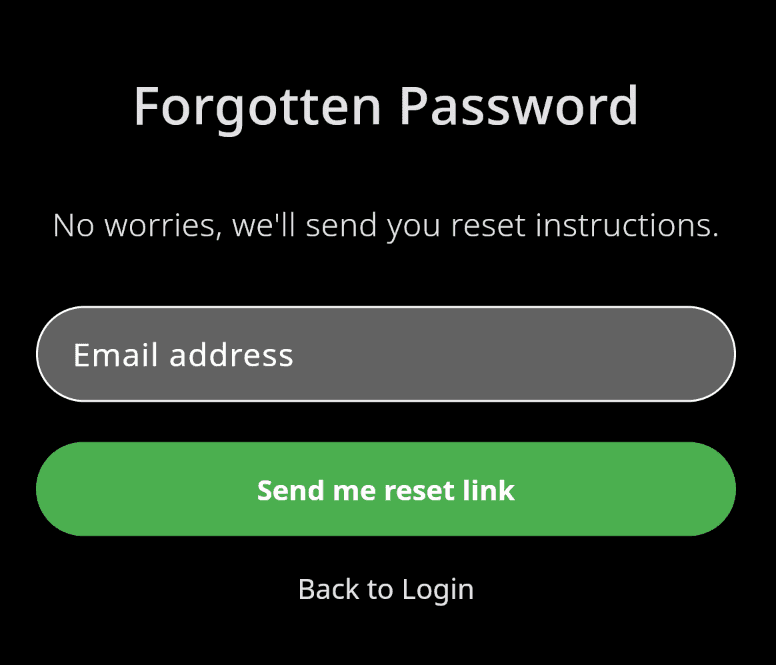
To reset your password, enter the email address associated with your FLYLOG.io account. We’ll send you a link to create a new password.
Follow these steps:
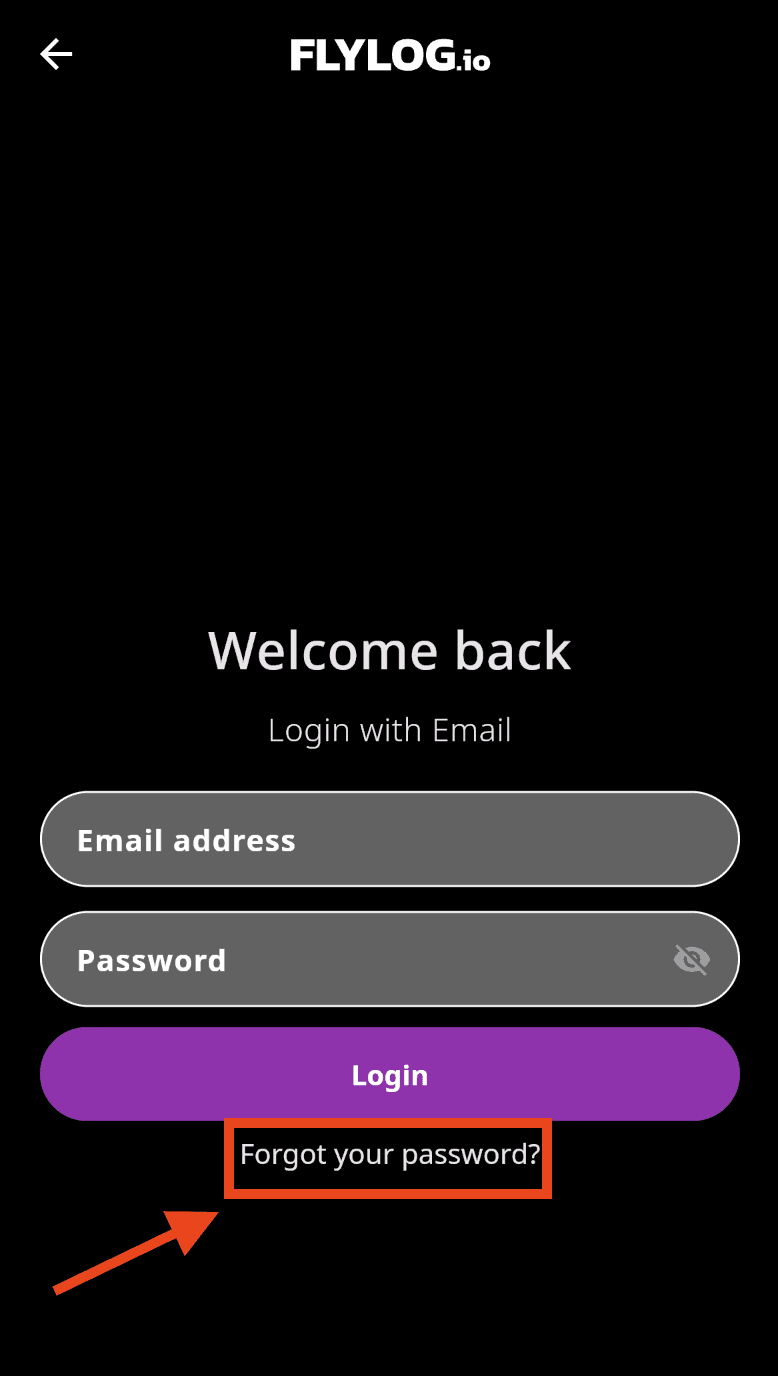
Go to the Login page.
Select Continue with Email.
Choose I already have an account.
Click Forgot your password?
Enter your account email address.
You’ll receive an email shortly with instructions to reset your password.
💡 Having trouble resetting your password?
If the reset email opens the FLYLOG.io app instead of the password reset page, please complete the reset using a web browser on a computer. This usually resolves the issue.
Open the following link in a desktop browser: https://app.flylog.io/login/forgotten-password
Step 1
Step 2