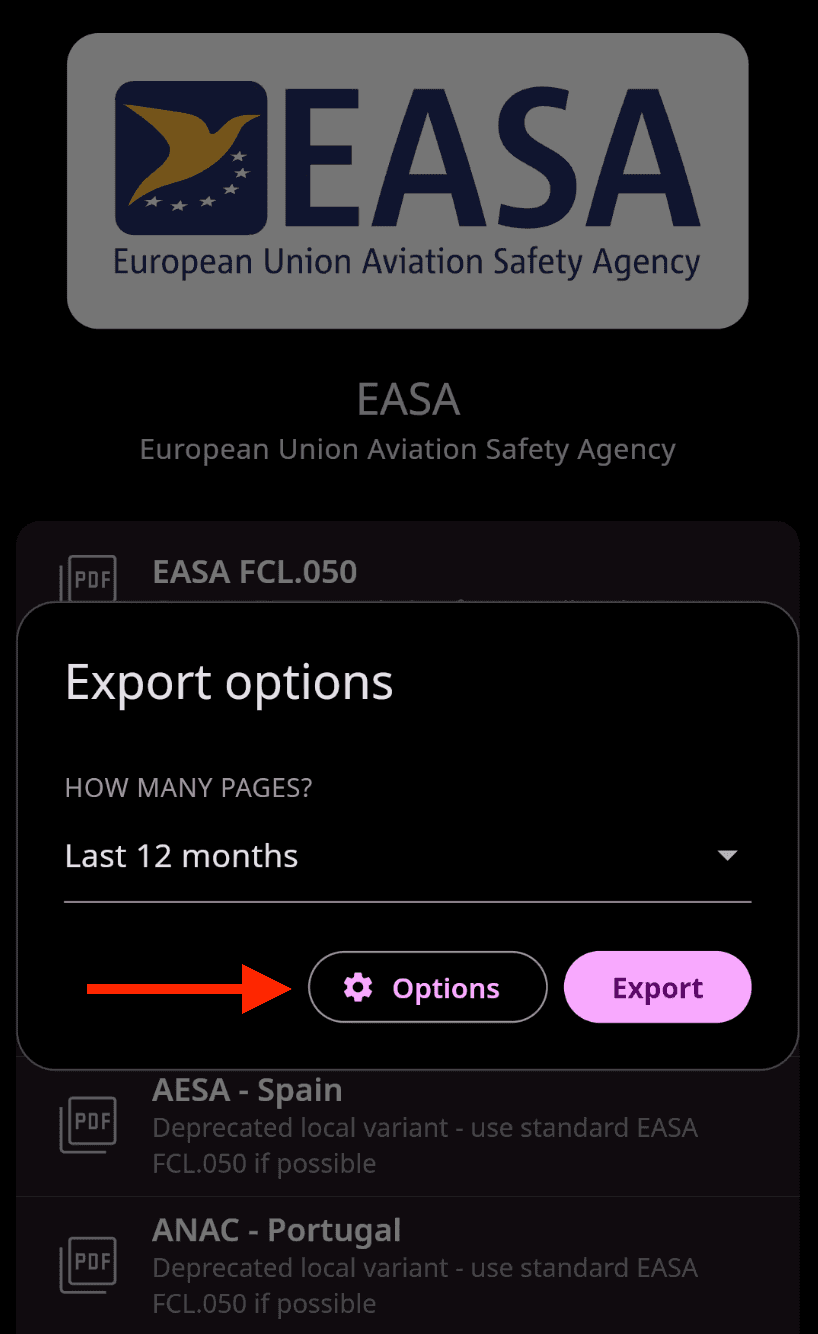
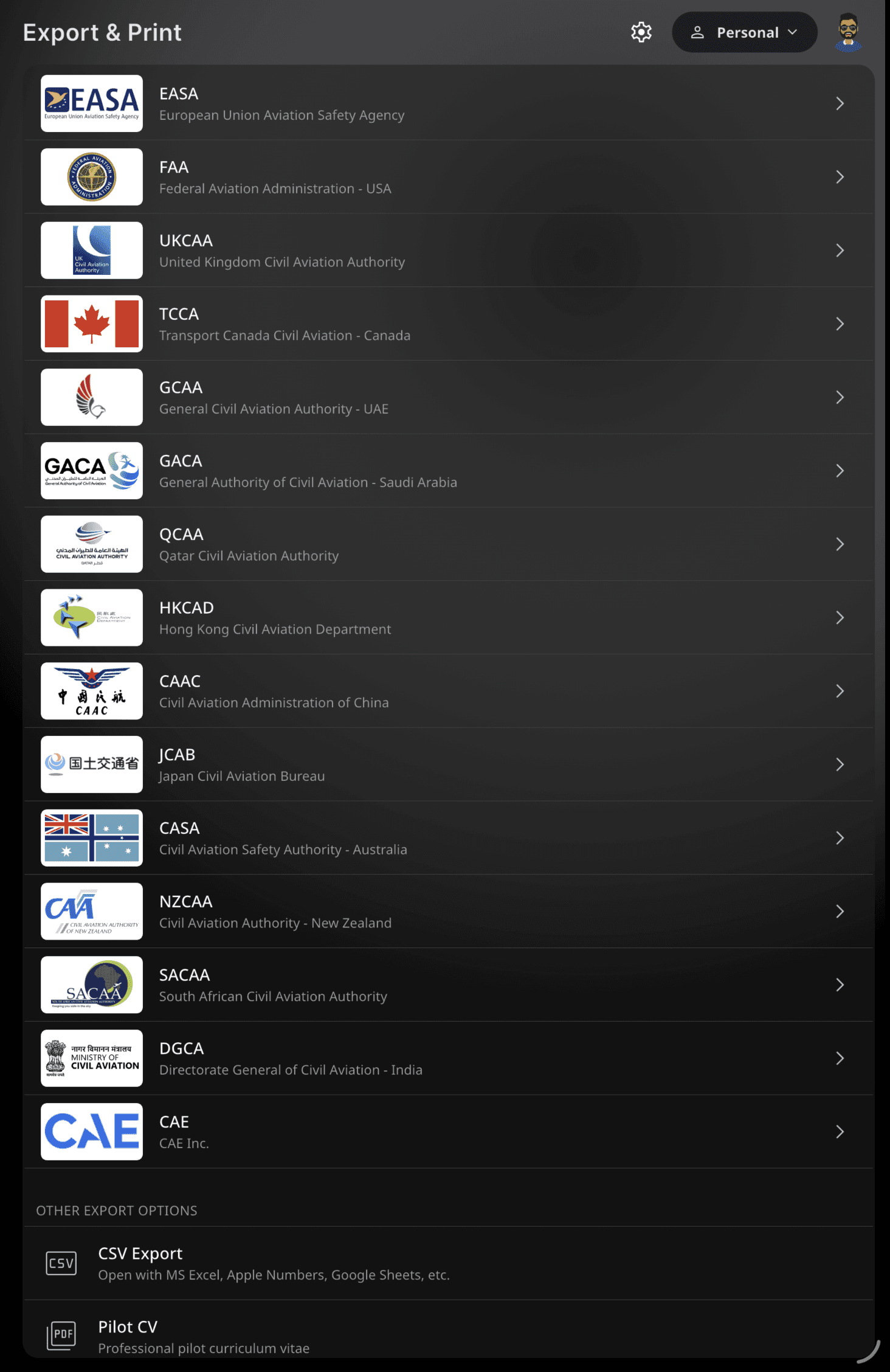
Generate regulatory-compliant PDF reports that meet professional aviation standards and are accepted by authorities worldwide. FLYLOG.io supports major regulators including EASA, FAA, and many others — the full list is available in the export tab. You can also download your data as Excel or CSV, or create a polished Pilot CV for job applications.
Mobile App: Tap your profile picture in the top-left corner and scroll down to Export & Print.
Web App: In the left-hand menu, open the Export & Print tab.
Choose your aviation authority, select the desired format, and customize the export using the available advanced options — ⬇️ see the details below.
💡 Note: The list of supported aviation authorities is continuously expanding. Please check the application regularly for the latest availability and support status. Some authorities may also include multiple export format variations.
⚠️ PDF exports can include your signature on each page. If needed, this option can be disabled before export in the Advanced Customization settings. For instructions on how to set up your signature, please refer to Digital Signature.
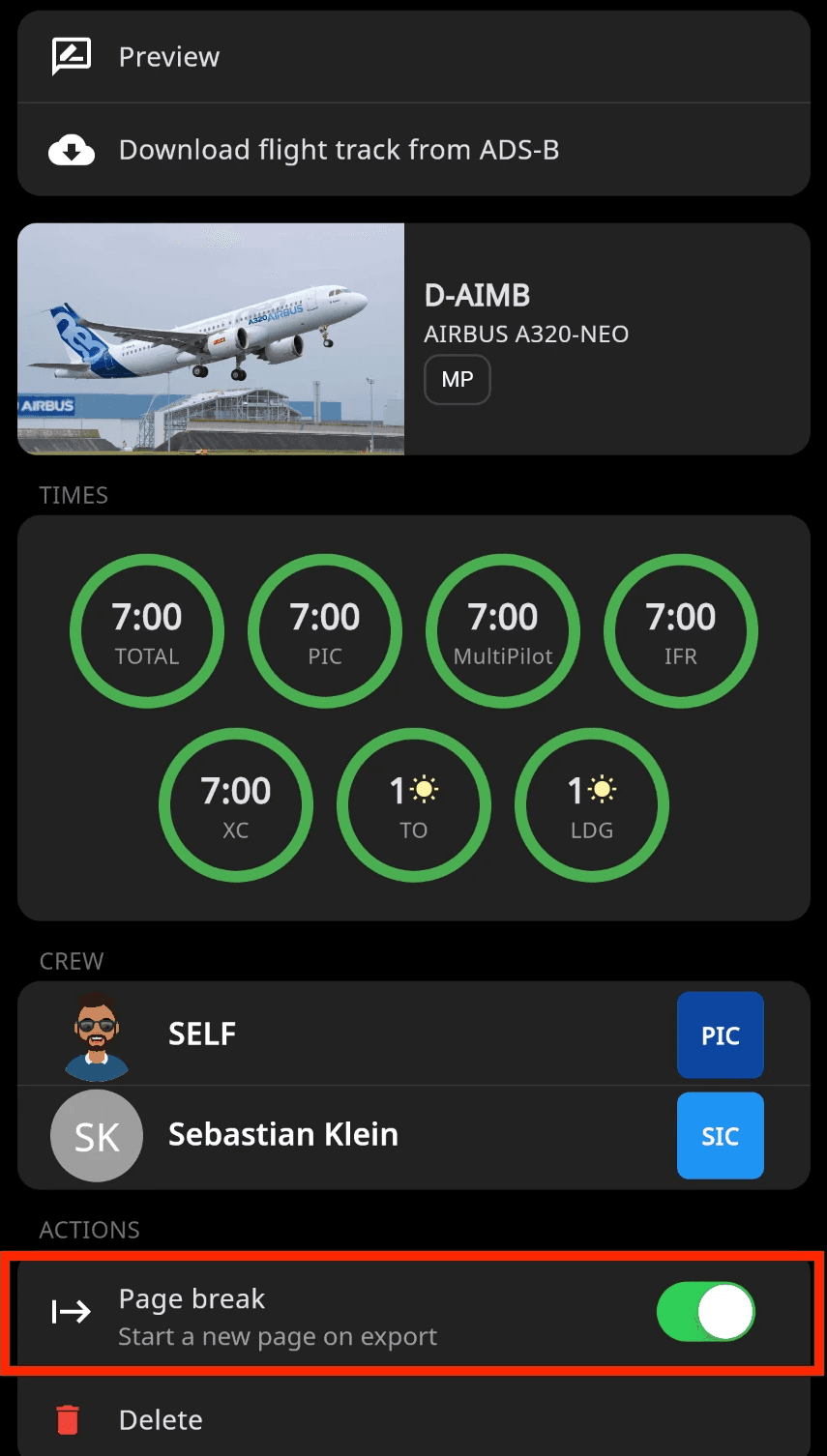
Start a New Page on Export
The page break option allows you to manually start content on a new page during export. This helps organize logbook records more clearly, separate sections, and align digital exports with printed logbook layouts or authority requirements.
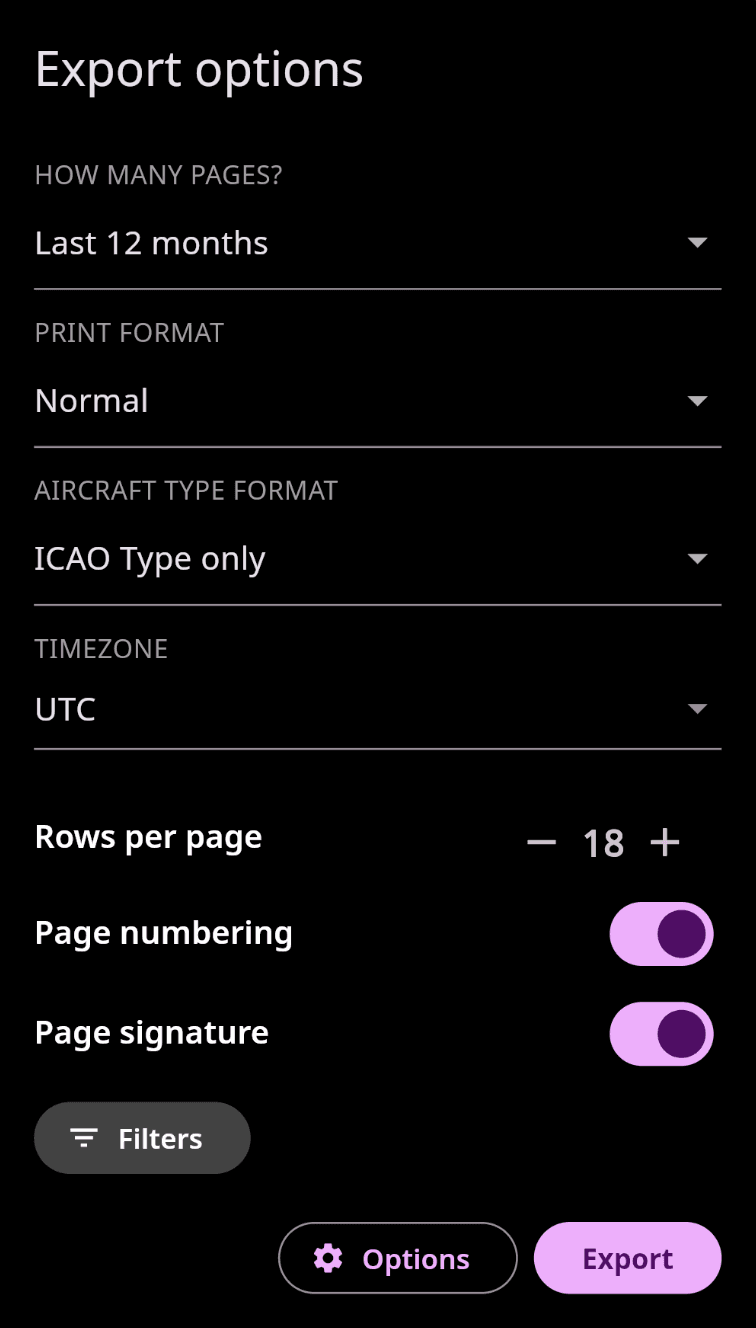
Advanced Export Customization
Customize your logbook exports by configuring additional options such as page numbering, time zone selection, signature visibility, and preferred aircraft type formatting.