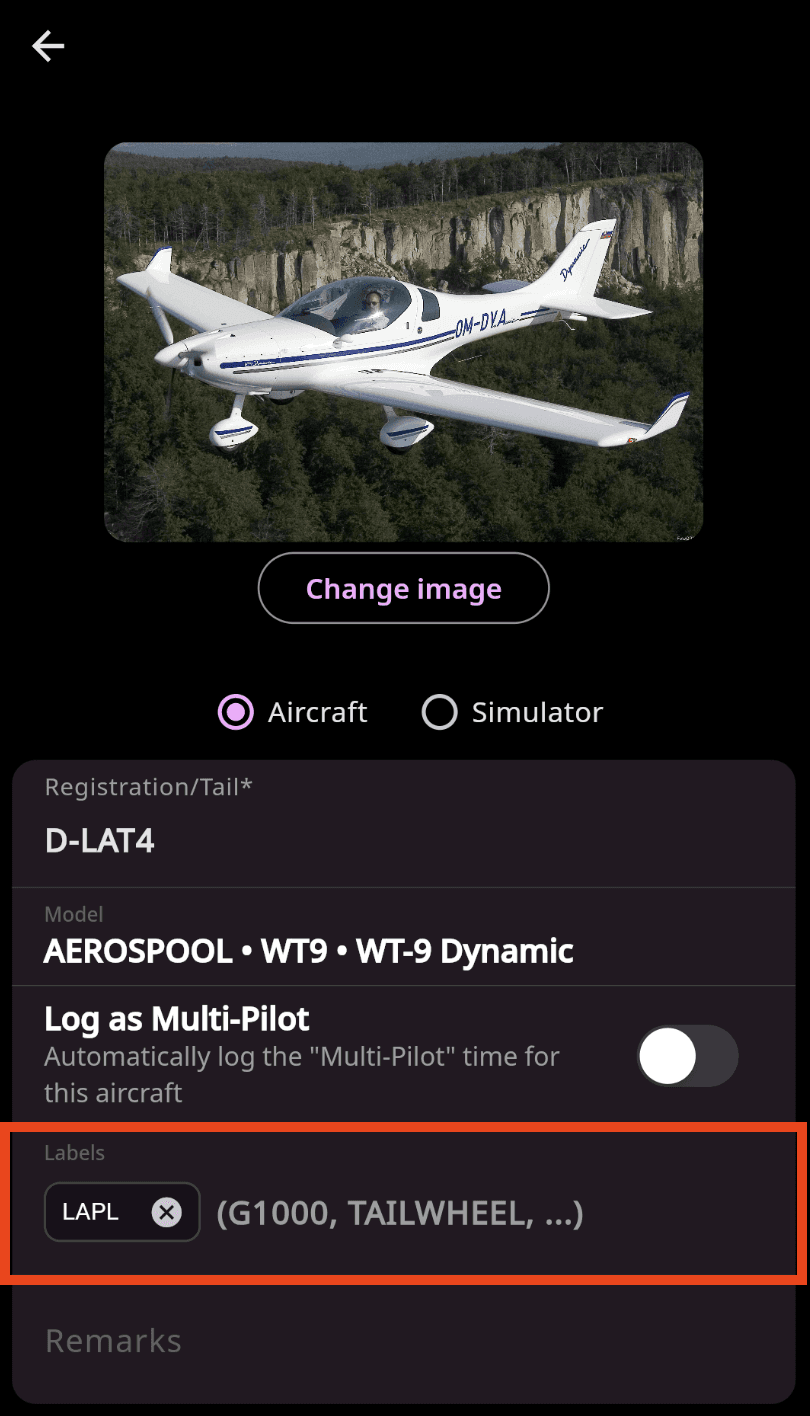
Using labels helps you organize and categorize your flights based on the criteria that matter to you. You can use them to track details such as aircraft type, weather conditions, or flight purpose, giving you a clearer and more structured view of your flight history.
Why use labels?
Quick grouping and search
Labels allow you to easily group, filter, and search your flights using criteria you define.
Automatic aircraft labels
Assign labels to an aircraft profile and they will be automatically applied to all flights logged with that aircraft.
Examples: TAILWHEEL, ULL, LAPL, ACROBATIC.
Summarized in Totals
All applied labels are displayed in the Totals section, providing a clear overview of your flight characteristics and helping you analyze your flying patterns more effectively.
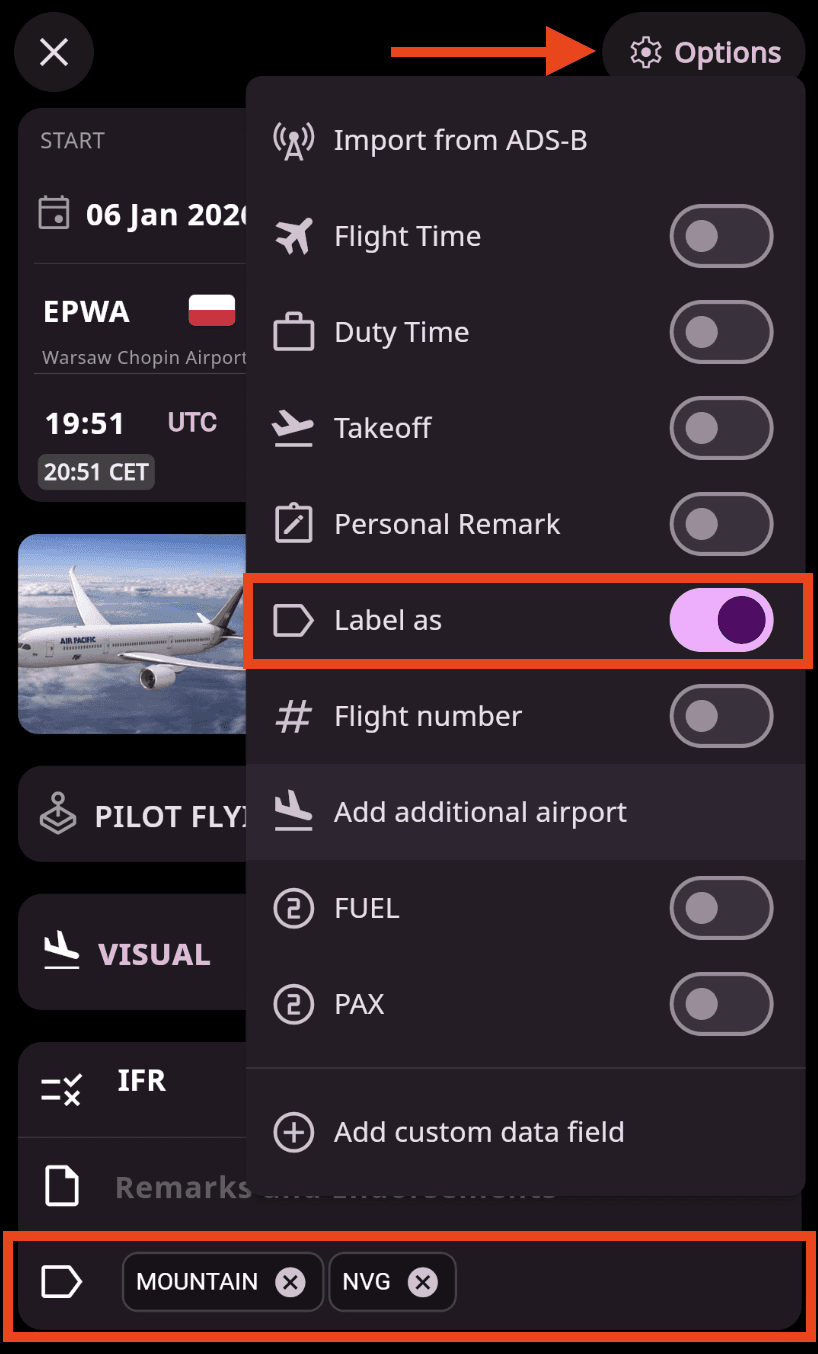
Add labels directly in the flight entry form: Enable labels in the options settings, then assign the relevant labels to your flight.
Add label in the aircraft profile