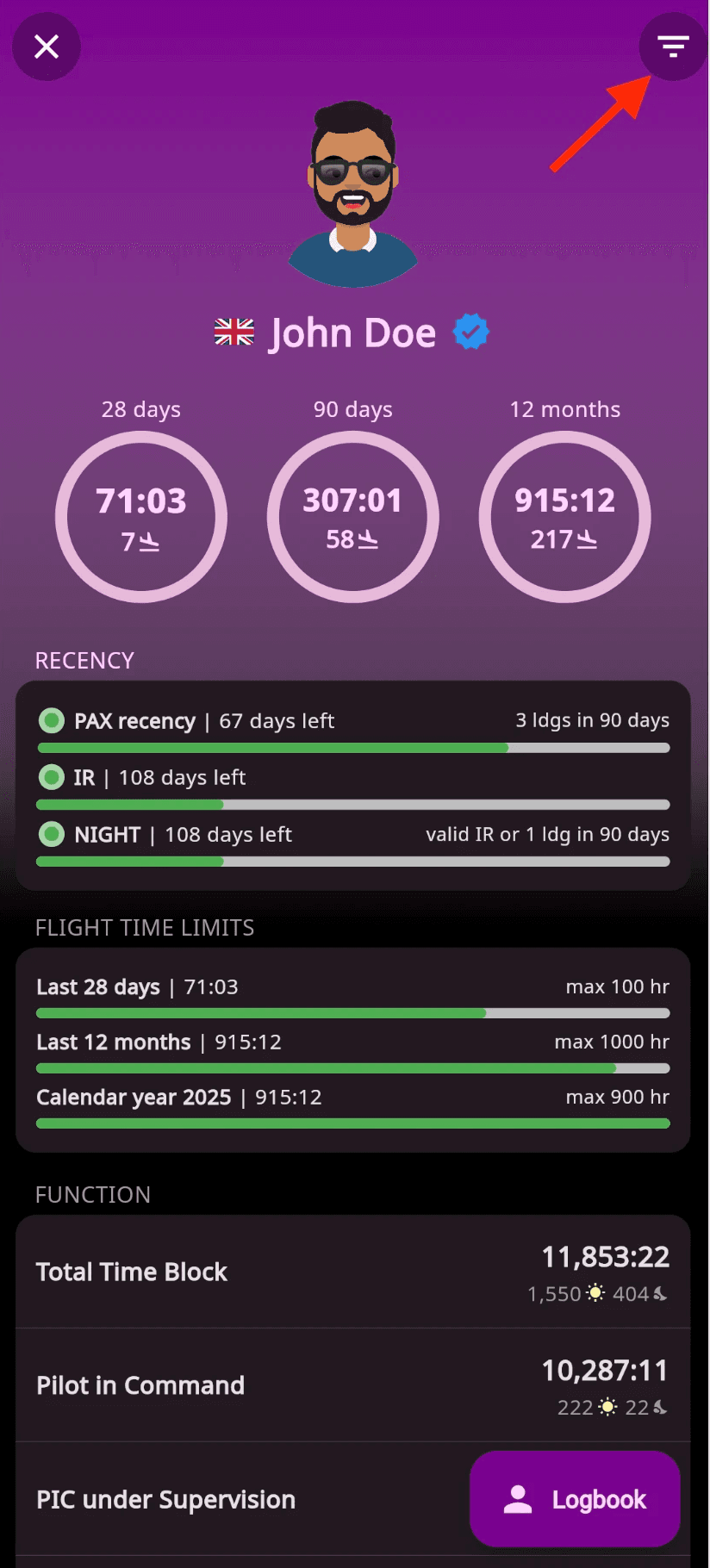
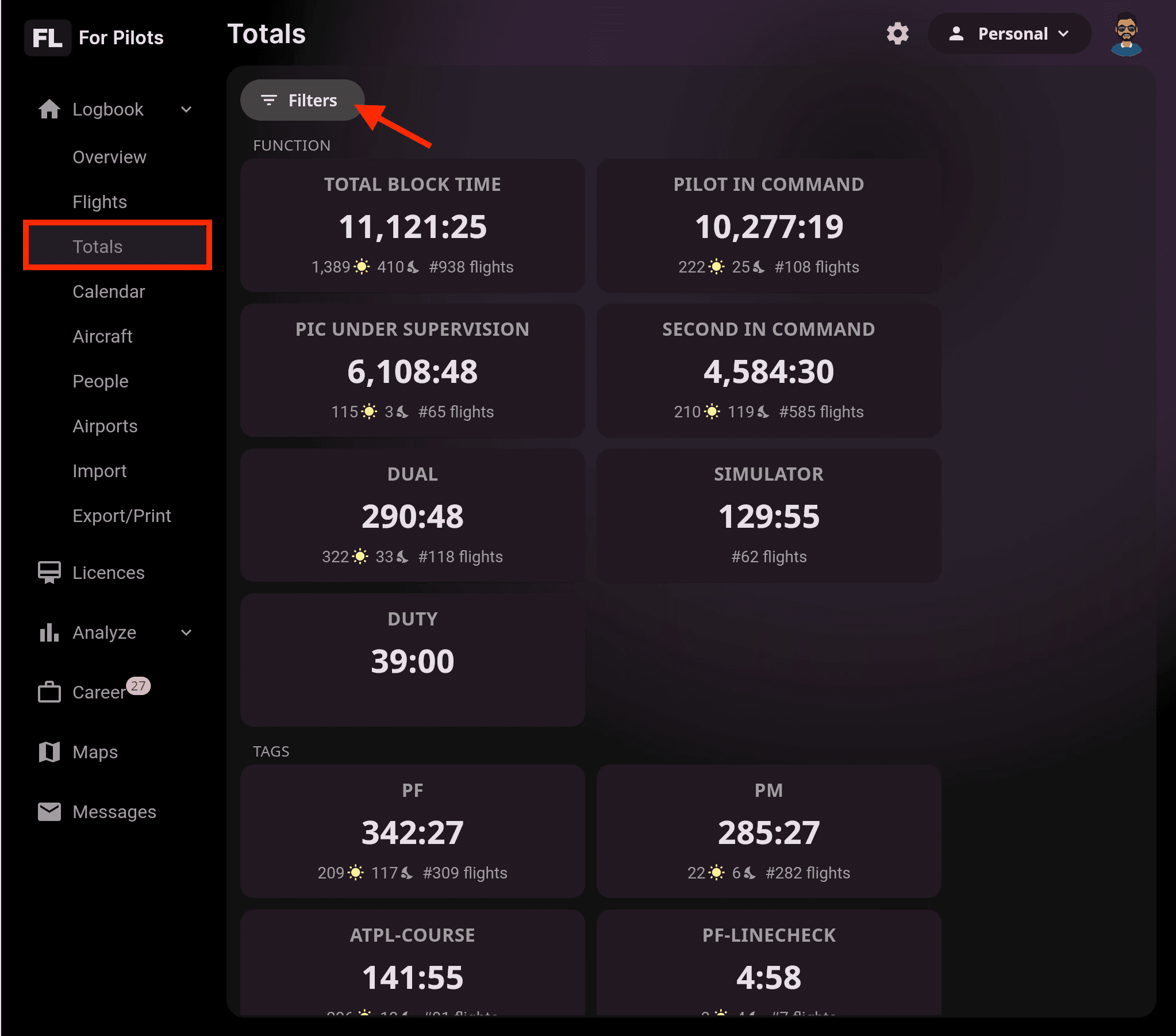
The Totals & Limits section provides a complete overview of your flight data and helps you track key metrics against regulatory limits. Use it to monitor your activity, verify compliance with aviation authority requirements, and identify any discrepancies in your records.
To ensure accurate calculations and compliance tracking, make sure your aviation authority is correctly set in your Settings.
⚠️ Important: To track your IR recency for EASA, make sure your Skill Rating is correctly set up in the Licences section. Go to Licence → Skill Rating, complete the relevant details, and enter the required dates.
How to Access
Mobile App: Tap Totals & Limits, located just under your total block time on the main screen.
Web App: In the left navigation menu, select Totals.
What You Can Track
Flight hours and landings for the last 28 days, 90 days, or 12 months
Recency status (PAX, Night, IR) with automatic updates after every logged flight
Additional Metrics
Flight time limits
Function times (PIC, PICUS, Dual, Instructor, Simulator)
Labels, custom fields, aircraft types, and approaches
💡 Tip: Totals & Limits updates automatically as you log new flights. Review it regularly to monitor recency, maintain compliance, and prepare for inspections or licence renewals.
⚠️ If you operate both gliders and powered aircraft, we recommend maintaining separate accounts to ensure accurate tracking for each aircraft category.
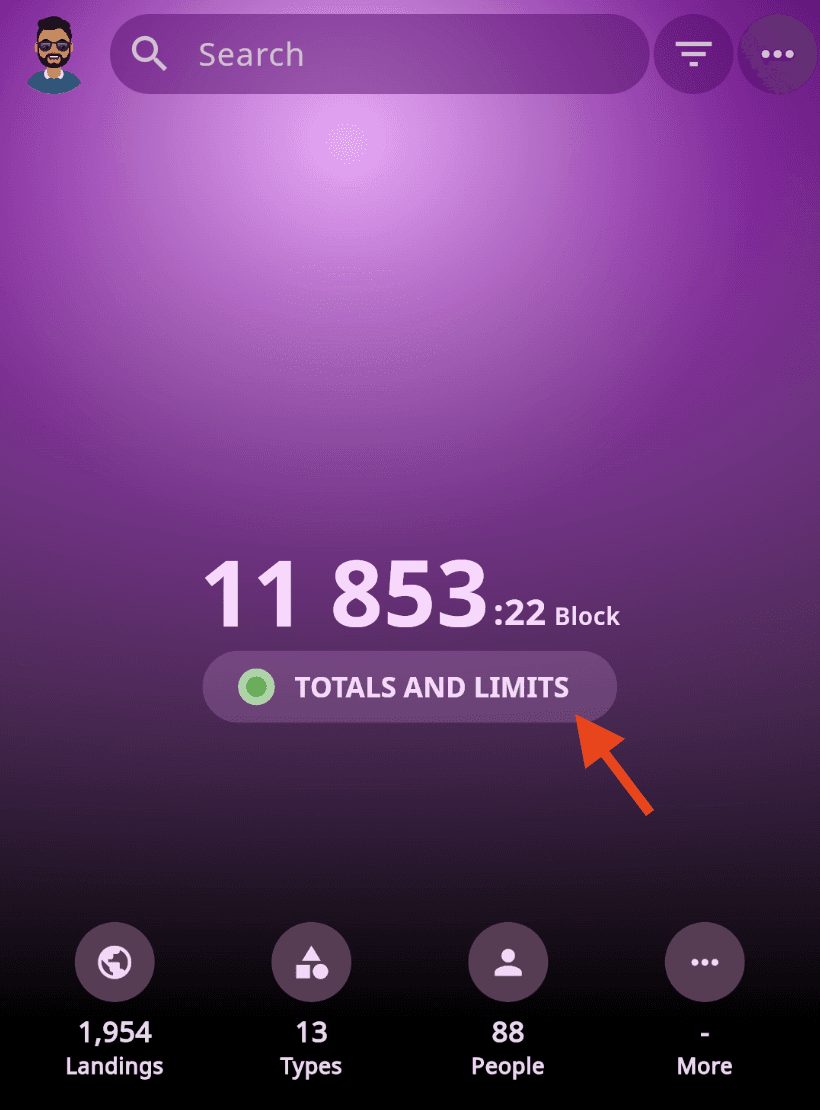
💡Tip: Use the filters at the top of the page to narrow down the displayed data.