The fastest way to create your account is to sign in with your Google or Apple account; you get access without another password to remember. If you prefer, register with your email address and a password: https://app.flylog.io/login/email/sign-up
💡 When using your Apple ID, do not choose Hide My Email. It creates a random email address, which later makes it hard to find or recover your account and to link a subscription to it.
Once your account is created, your free trial starts automatically. You can set up your account, import your data, test flight logging and use most of the platform's features. See Free Trial.
One Account on All Devices
Your FLYLOG.io account works on iOS, Android and the web, and all your data is synchronised, so you can switch devices at any time. To open the same account everywhere, always use the same login method and email you chose when registering.
💡 Each email address is linked to one account. If you sign in with a different email address or a different method (Google, Apple or email), a new, empty account is created, and it will look as if your original account has disappeared. Remember which email you registered with and make sure you have access to that inbox.
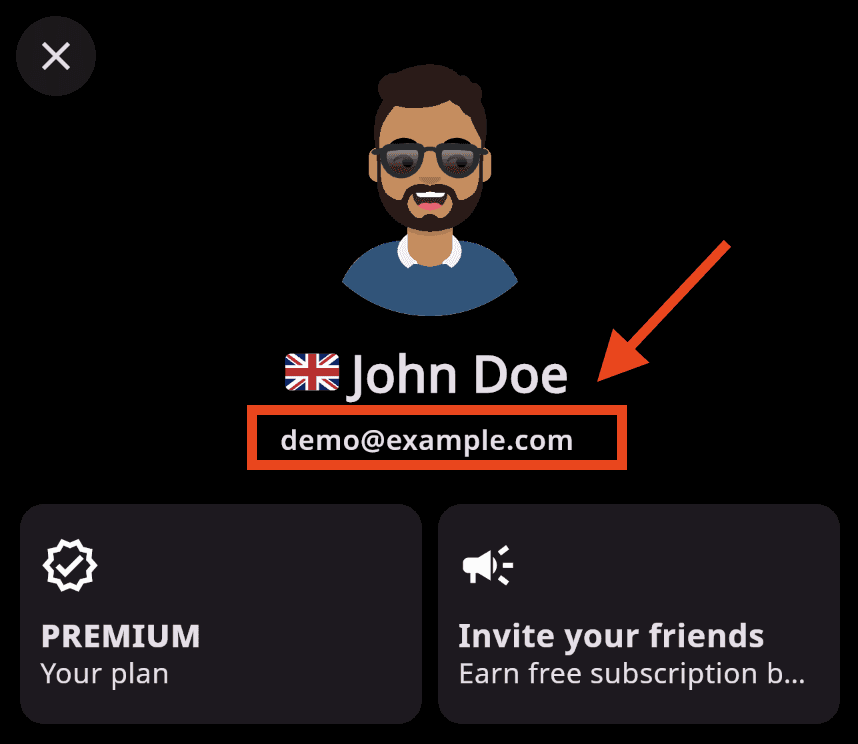
You can see the email address linked to your account and subscription in the User section, just below your name. Have it ready when you contact support.
Subscribing Later
When your trial ends you can subscribe directly on the web for the best price, or in the mobile app through the App Store or Google Play. The two work differently; read In-App vs Direct Subscription before you choose.





