Your logbook is stored in the cloud and backed up continuously by FLYLOG.io, so you do not need to worry about losing data if you change or lose your phone. Still, your logbook is a legal record of your flying career, and we recommend keeping your own copy as well.
Creating a Backup
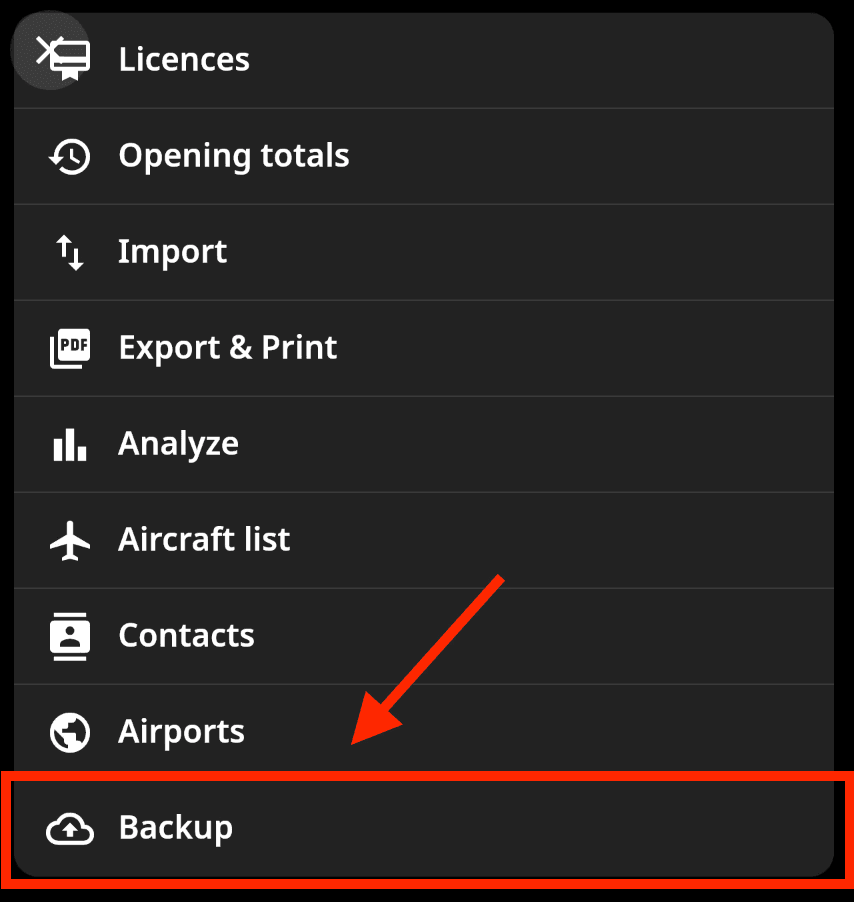
Open your User Profile and scroll down to Backup.
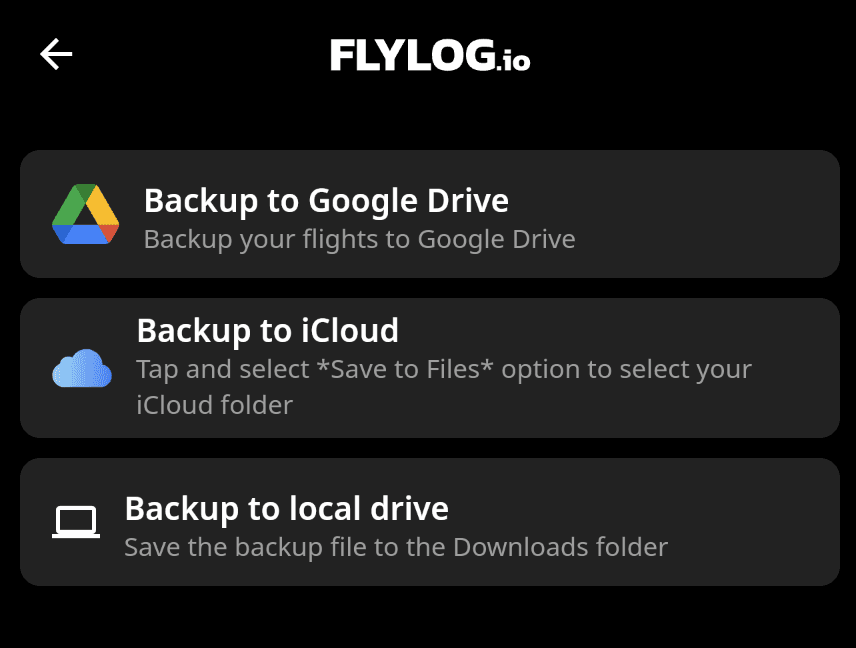
Download the backup file. It contains all your flights and can be opened in any spreadsheet editor, for example Microsoft Excel or Google Sheets.
Save it somewhere safe outside the app: iCloud, Google Drive or your computer.
A backup takes a minute. Do it regularly, for example once a month, and always before cancelling your subscription or deleting your account.
Why It Matters
Audits and licence applications: a copy on your own drive is available even if you are offline or between subscriptions.
After cancellation: when your subscription expires, only CSV export remains available; other reports and downloads return when you reactivate. Back up before you cancel.
Before deleting your account: deletion is permanent, and after 14 days no data can be recovered. See Delete Account.
💡 For authority-ready documents, such as a full logbook in your regulator's format, use Logbook Export rather than the backup file.